Designed for Mac
Menu bar app to launch meetings and open URLs
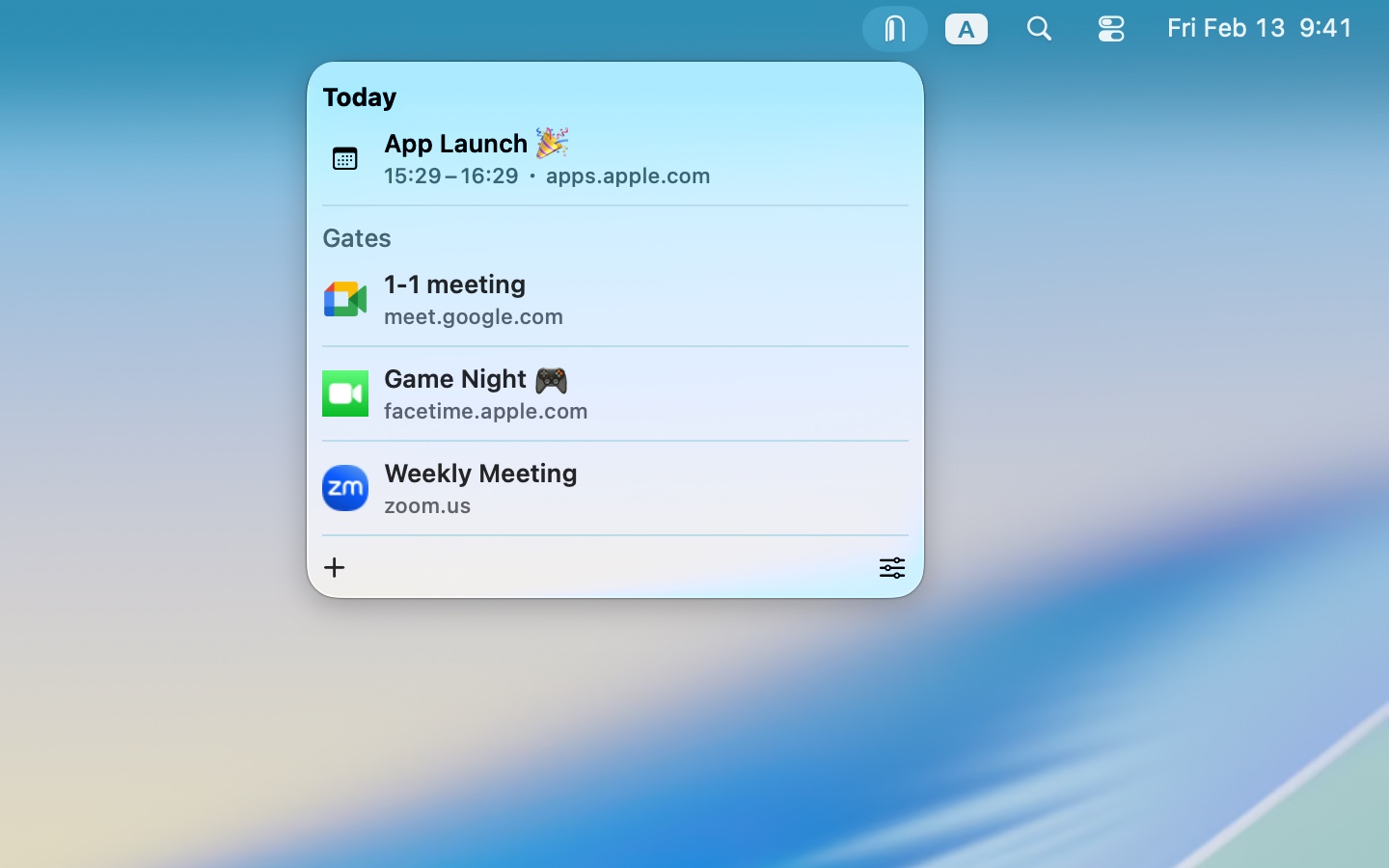
Portals mini gives you fast access to meeting links, calendar event links, and URLs directly from the menu bar.
Screenshots
In the appMac
Features
What it does-
Open Meetings
Keep recurring meeting links one click away. When Zoom is installed, open Zoom meeting links directly in the app without going through a browser.
-
Choose Your Browser
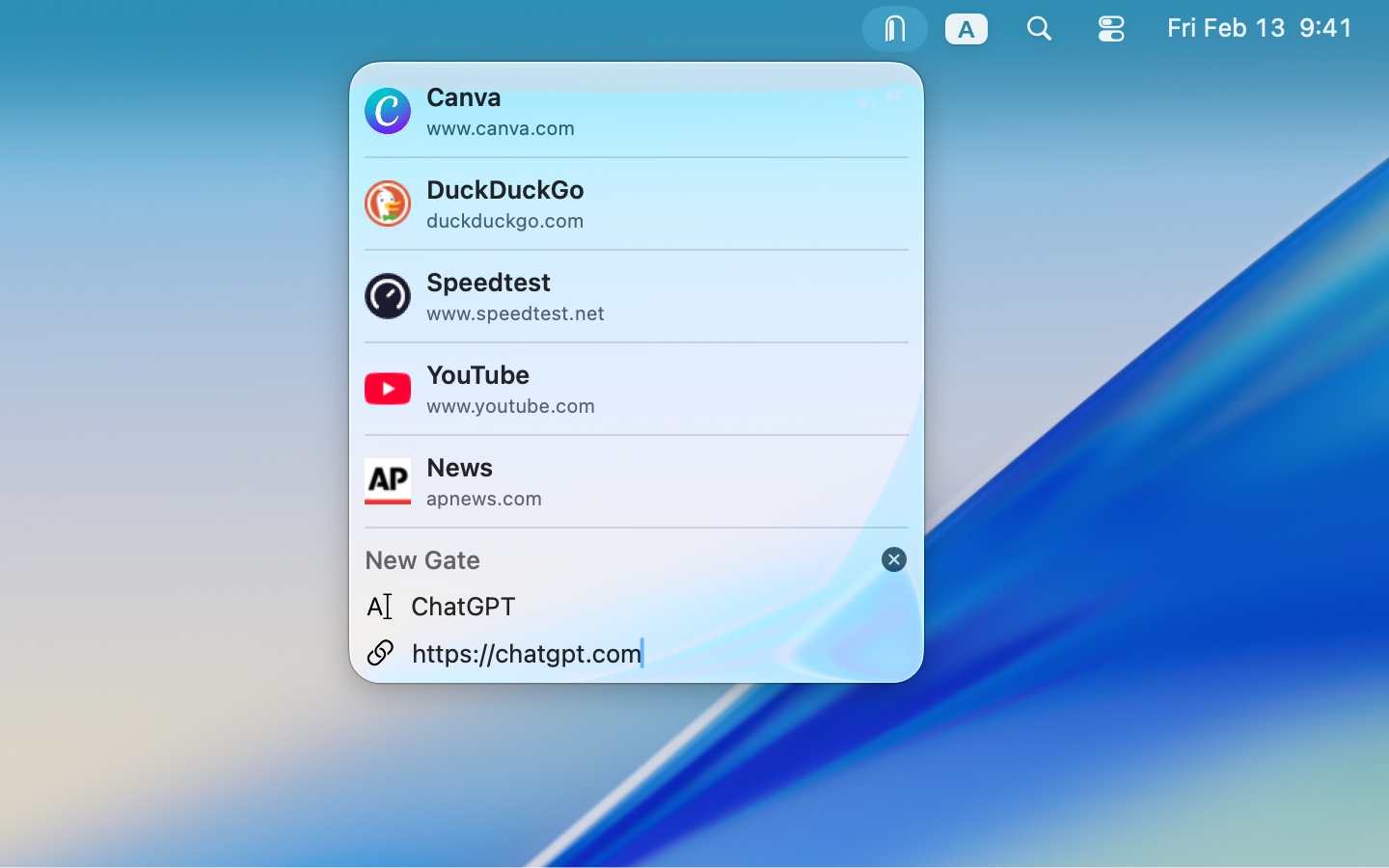
Save your frequently used links and choose an installed browser for each one, or use your default browser. Rename saved links right in the list.
-
Calendar Integration
With calendar access, see today's events that contain links at the top of the menu, along with their start and end times. Open or copy an event's link without searching your calendar.
-
Add Links Quickly
Copy a link, then create a new saved link with the URL filled in from your clipboard. Leave the name blank to use the page's title automatically when available.
-
Copy and Share Links
Copy saved links or calendar event links from the menu bar. Show a link's QR code so you can scan it with another device.
-
Fit Your Workflow
Launch at login to keep your links close at hand. Open links in the background to stay in your current app, or hide the copy button for a more compact menu.
Accessibility & privacy
Accessibility
- VoiceOver
- Voice Control
- Dark Interface
- Differentiate Without Color Alone
App privacy
Data Not Collected
Privacy policy